Charts in Chat, a Question Navigator, and Bot Conversation Limits
New Features
- Charts and Visuals in Chat — Chat can now draw charts, tables, timelines, diagrams and small interactive pages right inside its reply.
- Question Navigator for Long Chats — A rail on the right edge of the chat lets you preview any earlier question and jump straight to it. On phones, a bar under the header shows where you are and opens a list of every question.
- Bot Conversation Limits — Teachers can set the topics a classroom bot should stay within, and student messages outside those limits are turned away before the bot answers.
- Hide Past Classes — Teachers can hide finished classes from History, undo it right away, and switch hidden classes back into view at any time. The status column now shows translated labels instead of "EXPIRED".
- Class Code Always in the Header — During a live class, the class code stays next to the class name in the header. Hover or tap it to show the QR code, copy the link or show it full screen.
- Share Bar Moves to sharebar.app — Boards and board links now open on sharebar.app, Share Bar's new home.
- Meeting Summarizer Becomes Mindy Meetings — Meeting Summarizer accounts are moving to Mindy Meetings, and new users start there directly. The feature card now shows the Mindy logo and name.
Improvements
- CE Bot — Starts Only When Needed — CE Bot now runs only for requests that need it, such as Office files, data analysis or charts. Timers, web pages and writing tasks get a fast, direct answer.
- CE Bot — Longer Tasks — CE Bot can now work for up to 50 minutes and posts its result to the chat when it finishes, instead of stopping after about 13 minutes.
- Very Long Chats — Very long chats keep working: older history is condensed or trimmed to fit, instead of new messages failing.
- Mind Map Downloads — SVG and PNG downloads now include the whole mind map, whatever your zoom level.
- Meeting Summarizer — Q&A — Questions about a meeting no longer fail because the meeting's own transcript was flagged.
- Live Meeting Transcription — Live transcription now runs on a newer speech model with better accuracy and translation.
- LINE Bot — Reading Web Pages — The LINE bot reads web pages more reliably, with a backup reader when one service is down.
- Game & Website Builder — The bot now points to "Save to My sites" and Share settings → Public, instead of a "Publish" button that no longer exists.
- Plan Dialog and Website — The plan comparison dialog now shows JoyLearn × Chat Everywhere's place on HolonIQ's 2026 East Asia EdTech 150, and the award card on our website links to the right list.
Bug Fixes
- Fixed In-Class Quiz autosave sometimes losing answers or changing a quiz after it was submitted.
- Fixed some In-Class Quiz attempts failing to grade, including answers with many large photos.
- Fixed teacher quiz results staying on "grading" after a quiz ended, and refreshing nonstop in background tabs.
- Fixed students who had left a class still filling breakout groups, and students who came back another way getting a second class account.
- Fixed students seeing "You're already signed in" after tapping Join twice, and temporary students being unable to sign back in to a class.
- Fixed students removed from a class seeing an error page on their next visit.
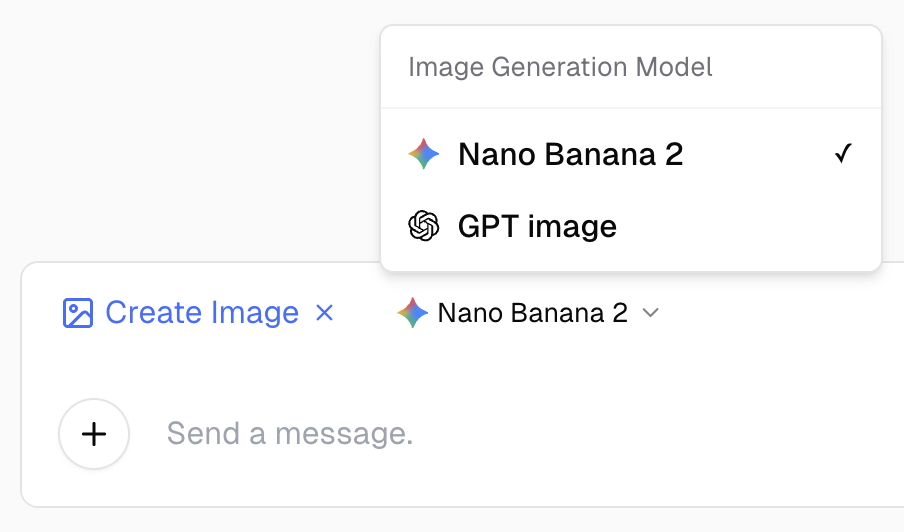
- Fixed image generation sometimes making chat replies fail with an image service error.
- Fixed chat crashing on older iPhones running iOS 15.
- Fixed chat answers with inline code breaking when a browser extension or page translator was active.
- Fixed Pronunciation Practicer crashing when sharing a long sentence as a QR code, and not scrolling on older Android browsers.
- Fixed LINE bot memories sometimes not being saved.